
Choosing the right digital art tool can be overwhelming, especially with so many options on the market. Whether you’re sketching your first line or refining your animation workflow, a reliable tablet makes all the difference. That’s where XPPen UK Review steps in, offering a versatile lineup of devices tailored to different skill levels and needs.
What Makes XPPen a Popular Choice Among Digital Artists?
XPPen has become a go-to brand for digital artists worldwide, offering professional-grade drawing tablets at an accessible price point. From hobbyists to seasoned creatives, users appreciate its responsive pen technology, sleek design, and reliable performance. The brand’s ongoing innovation and wide product range make it a serious contender in the digital art space.
Why This Review Is Essential for UK Creatives
If you’re a UK-based artist considering a drawing tablet, you might be wondering if XPPen is worth your investment. With numerous options available, it’s important to know what XPPen UK offers in terms of features, availability, pricing, and support. This review gives you a deep dive into everything you need to make an informed decision.
1. Overview of XPPen UK Review

Founded in 2005, XPPen is part of the HANVON UGEE group, a Chinese graphics hardware manufacturer that has earned a strong global presence. The brand has made waves in digital illustration, animation, design, and even education, offering products that compete with premium brands at more accessible prices.
XPPen has officially expanded into the UK, offering direct sales via its UK website, as well as through platforms like Amazon UK and local retailers. Customers benefit from localized shipping, UK-based customer support, and official warranty coverage. This makes it much easier for UK buyers to access and rely on XPPen products.
2. Key Features of XPPen Tablets
High-Resolution Display and Pen Sensitivity
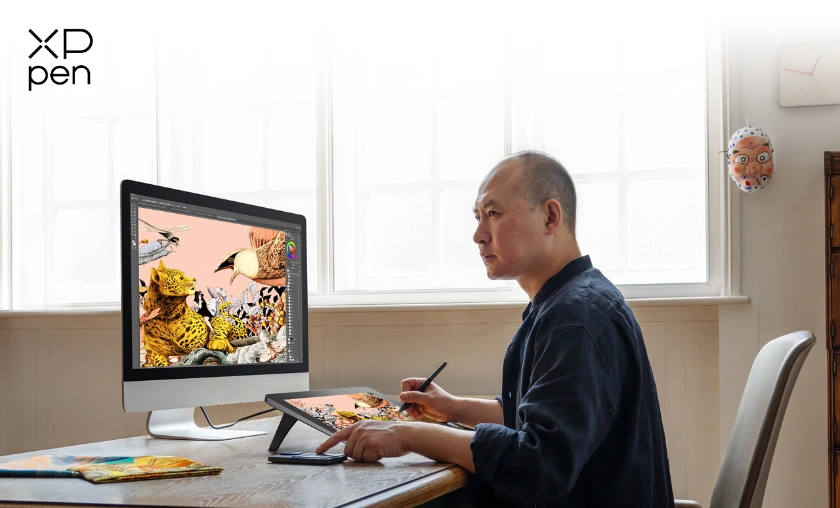
Many XPPen models, like the Artist Pro series, boast 4K resolution displays and full-lamination technology for a paper-like drawing experience. The pens offer up to 8192 levels of pressure sensitivity and 60-degree tilt recognition, ensuring precision and responsiveness whether you’re sketching, inking, or coloring.
Customizable Shortcut Keys and Ergonomics
XPPen tablets come equipped with customizable shortcut keys, touch bars, and dial wheels that make your workflow smoother and faster. Their ergonomic design minimizes wrist fatigue, especially during long hours of work, making them ideal for daily use.
Compatibility with Popular Software (Photoshop, Illustrator, etc.)
XPPen devices are compatible with a wide range of creative software including Adobe Photoshop, Illustrator, CorelDRAW, Clip Studio Paint, and more. They work seamlessly on Windows and macOS, with many models also supporting Linux.
Wireless Connectivity & Portability
Some XPPen tablets, such as the Deco Pro Wireless series, support Bluetooth or USB-C wireless connections, reducing cable clutter. Compact models like the Deco Mini are ideal for on-the-go creativity, making XPPen a versatile solution for both studio and mobile work.
3. User Experience and Performance
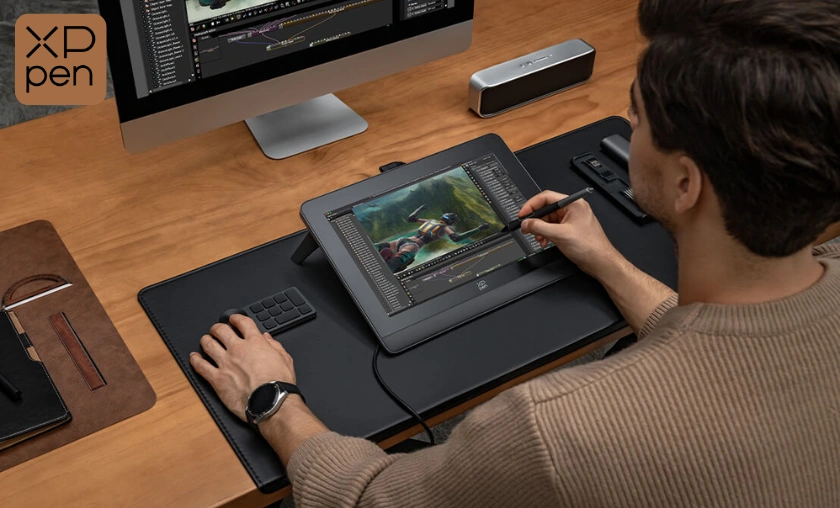
Setting up an XPPen tablet is generally quick and hassle-free. The driver installation process is straightforward, and the brand provides detailed user guides and downloadable resources. Plug-and-play support ensures you can start drawing within minutes.
Users consistently praise the natural feel of XPPen pens. The lag-free response and accurate cursor tracking provide a real-time drawing experience that mimics traditional tools. This performance is critical for illustrators, animators, and designers who demand precision.
XPPen’s battery-free stylus ensures uninterrupted work without needing to charge. The tablets themselves are built with durable, high-quality materials. Whether it’s a slim portable tablet or a large pen display, XPPen devices are made to withstand daily use.
4. Who Is XPPen UK Best Suited For?
5. Comparing XPPen with Other Digital Art Tools
XPPen vs. Wacom: Price and Performance
Wacom has long been considered the industry leader, but XPPen offers many of the same features at a more accessible price point. While Wacom may lead in terms of legacy and certain premium options, XPPen matches it in performance for a fraction of the cost.
XPPen vs. Huion: Feature Comparison
Huion is another top competitor in the budget-friendly drawing tablet market. Both brands offer high-resolution screens and sensitive pens. However, XPPen often stands out with better driver stability and slightly more polished build quality in similar price ranges.
6. Pros & Cons of XPPen UK Tablets

7. Pricing & Where to Buy in the UK

XPPen offers tablets starting as low as £50 for entry-level models, while professional pen displays can range up to £600+. Considering the quality and features, XPPen delivers strong value across its entire product line.
You can buy XPPen tablets from:
8. Real Customer Reviews and Feedback

Conclusion
XPPen offers a high-quality, feature-rich, and budget-friendly drawing solution for artists at all skill levels. The brand delivers a balance of professional features and accessible pricing, making it an excellent alternative to traditional industry leaders. With strong UK availability and reliable performance, XPPen continues to gain the trust of creatives across the country.
Whether you’re a student exploring digital art, a freelancer working on commissions, or a professional designer in need of precision tools, XPPen has something for you. The variety of models means there’s an option tailored to your needs, whether you’re working from a home studio or on the go.
Overall, XPPen stands out as a smart investment for anyone serious about digital illustration, animation, or design. Its consistent updates, growing community, and expanding UK support system reinforce its value in today’s digital art landscape.
FAQ’s (Frequently Asked Questions)
Yes, all XPPen tablets work with both macOS and Windows operating systems, and many models also support Linux.
Absolutely. XPPen tablets are fully compatible with Adobe Creative Cloud apps like Photoshop, Illustrator, and Premiere Pro.
Yes. Many educators use XPPen tablets for whiteboarding and annotation during virtual classes on platforms like Zoom, Microsoft Teams, and Google Meet.
Yes, XPPen offers dedicated customer service and warranty support for UK customers through its local website and authorized retailers.
The Deco 01 V2 or Deco Mini are great options for beginners, offering affordability without compromising essential features.
Subscribe to our list
Don't worry, we don't spam
To Read More Similar Articles, Click Here.
Thanks for Visiting Our Website. If You Appreciate Our Work, Kindly Show Us Some Support in Our Comments Section 🙂