
Shopify has become one of the most popular eCommerce platforms in the world, and it’s no mystery why. It’s incredibly beginner-friendly, with a clean user interface and drag-and-drop functionality that makes building a professional online store easy, even if you have zero coding or design experience. Whether you’re launching your first dropshipping business, selling handmade crafts, or testing a niche product idea, Shopify provides all the tools you need to get started quickly and scale confidently. With built-in payment processing, marketing tools, inventory management, and 24/7 support, Shopify empowers entrepreneurs to focus more on selling and less on technical headaches.
What to Expect from This Guide
This guide is designed to give you the top 10 Shopify tips that are essential for beginners. Each tip covers a key aspect of building and optimizing your store—from choosing the right plan and theme to optimizing SEO and building trust with customers. These tips are drawn from real-world best practices and are geared toward helping you avoid common mistakes that cost time, money, and customers. Whether you’re still planning your store or already launched and looking to improve, this article will provide actionable insights that you can implement right away.
Who This Shopify Guide Is For
This article is for anyone who is either just getting started with Shopify or has recently launched a store but isn’t getting the results they expected. It’s especially useful for people who feel overwhelmed by the number of decisions they have to make and want a clear, step-by-step breakdown of what matters most. If you’re an entrepreneur, creator, side hustler, or small business owner exploring eCommerce for the first time, you’re in the right place. These tips will help you save time, avoid pitfalls, and build a strong foundation for a successful online store.
Shopify Guide: Choose the Right Plan From Day One
10 Best Shopify Tips Every Beginner Must Know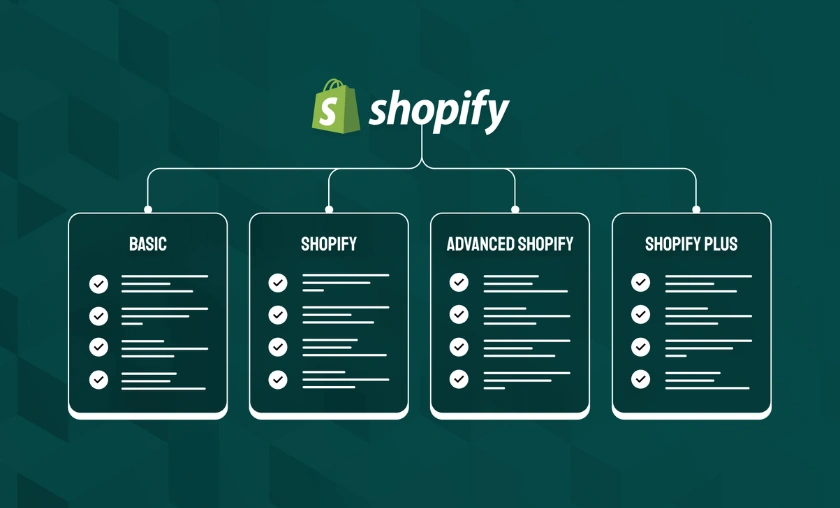
One of the first decisions you’ll make on Shopify is choosing the right pricing plan. Shopify offers different tiers—Basic, Shopify, and Advanced—and it’s easy to either overpay for features you don’t need or under-invest and miss out on powerful tools. The Basic plan is perfect for those just starting out, offering all the essential features like website builder, blog, product management, and even abandoned cart recovery. However, if you need more detailed analytics, better shipping discounts, or more staff accounts, you might find yourself quickly outgrowing the Basic plan. The key is to choose a plan that matches your store’s current stage, not just your budget.
Upgrading your plan shouldn’t be seen as a cost—it’s an investment in your business. As your traffic increases and you start processing more orders, you’ll need advanced reports to make data-driven decisions. You may also require features like third-party calculated shipping rates or international pricing, which are only available on higher-tier plans. The good news is Shopify allows you to upgrade at any time, so start small but be ready to scale as your business grows. Monitoring your store’s growth and using your analytics wisely will help you know exactly when it’s time to level up.
Pick a Fast & Mobile-Friendly Theme
10 Best Shopify Tips Every Beginner Must Know
Why Speed Equals Conversions
Website speed plays a critical role in user experience and conversions. A one-second delay in page load time can lead to a significant drop in conversion rates. Most Shopify traffic comes from mobile users, which means your store needs to load quickly and display beautifully on smartphones and tablets. A slow-loading or clunky mobile experience can cause users to bounce before they even see your products. That’s why it’s crucial to choose a fast, mobile-optimized theme right from the beginning.
Recommended Free & Paid Themes
Shopify offers several free themes that are ideal for beginners. “Dawn” is a popular choice because of its speed, flexibility, and clean layout. “Refresh” and “Craft” are also great if you want a more design-forward feel. If you’re willing to invest in a premium theme, consider options like “Impulse” or “Prestige,” which offer more advanced layout options, better UX features, and added functionality. Always preview the theme on both desktop and mobile, and test its speed using tools like Google PageSpeed Insights before finalizing your decision.
Use High-Quality Product Images
10 Best Shopify Tips Every Beginner Must Know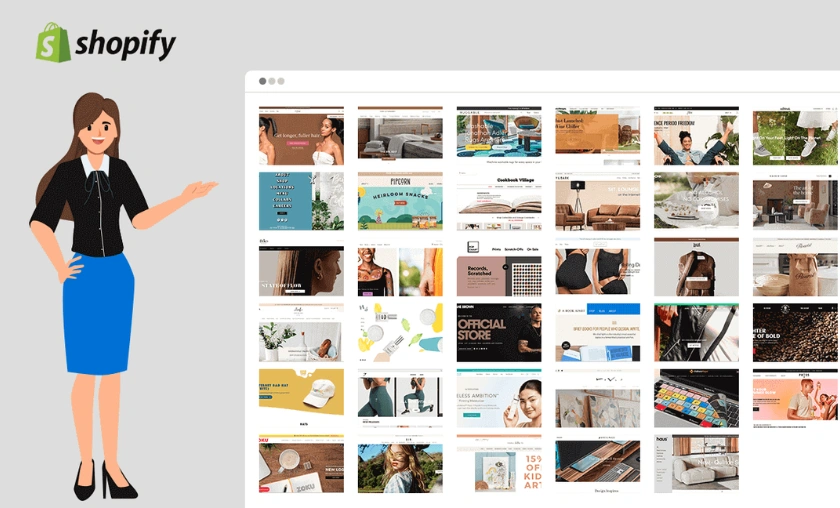
First Impressions Count
Your product images are often the first thing customers see—and first impressions make or break online sales. Low-quality, pixelated, or inconsistent images can make even a great product look unprofessional. On the flip side, clean, high-resolution photos build trust, showcase your brand’s quality, and help users visualize the product in their hands. Since shoppers can’t physically touch your items, the visual presentation is everything.
Tools for Editing & Optimizing Images
Even if you’re not a professional photographer, there are many free tools you can use to edit and enhance your images. Canva and Pixlr are excellent for basic editing, background removal, and resizing. For image compression (to maintain speed), tools like TinyPNG and ImageOptim reduce file sizes without losing quality. Ensure consistency by using the same dimensions for all product images and opting for plain or branded backgrounds to maintain a clean and professional look.
Write Product Descriptions That Sell
10 Best Shopify Tips Every Beginner Must Know
Many new store owners fall into the trap of listing product features without highlighting how the product helps the customer. Instead of saying “Bluetooth 5.0 earbuds,” say “Crystal-clear sound with zero lag—perfect for workouts or work calls.” This approach helps customers understand the benefits and connects emotionally with their needs.
People remember stories more than specs. Include a brief backstory on why you created the product or how it solves a common pain point. Reinforce trust by adding testimonials, customer photos, and reviews wherever possible. Shopify apps like Loox and Judge.me allow you to display user-generated content that builds authenticity and increases conversions.
Install the Best Shopify Apps for Beginners
10 Best Shopify Tips Every Beginner Must Know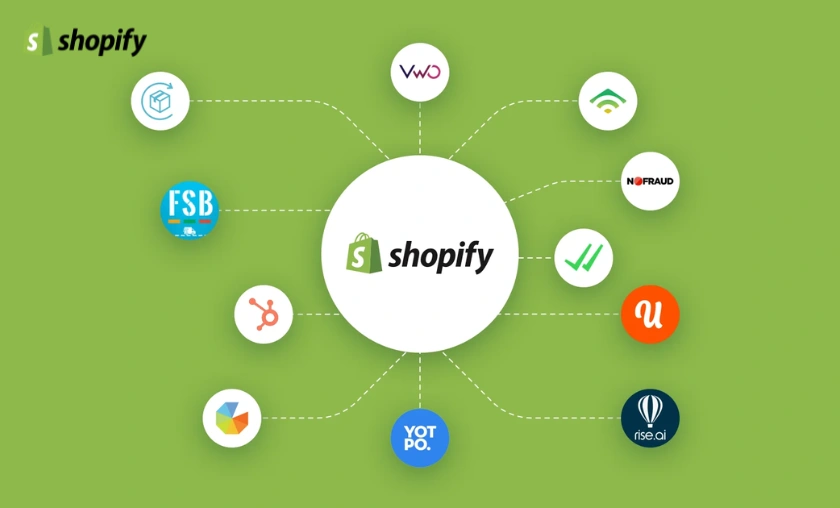
Shopify’s App Store is full of amazing tools—but not all are beginner-friendly or necessary right away. Start with apps that help automate and optimize key areas:
These apps can help you manage communication, increase trust, and streamline operations.
Most of these apps offer free plans or trials, which are ideal for new stores. As your store grows, you can move into paid tiers for more features. Be careful not to overload your store with too many apps—it can slow down your site. Choose only what adds value or solves a real problem.
Set Up Smart Navigation & Clean Menus
10 Best Shopify Tips Every Beginner Must Know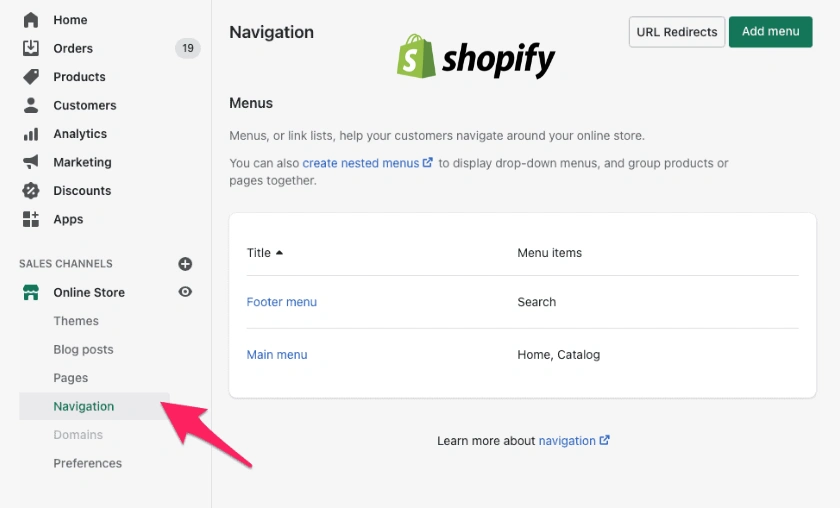
Help Customers Find What They Want Fast
Clunky navigation is a conversion killer. If customers can’t find what they’re looking for within a few clicks, they’ll leave. Your main menu should be simple, logical, and consistent. Limit your main navigation to 4–6 items: Home, Shop, About, Contact, FAQs, etc.
Use Dropdowns & Collections Wisely
Group similar products into collections like “New Arrivals,” “Best Sellers,” or “Summer Essentials.” Use dropdowns to nest sub-categories, making it easier for shoppers to browse based on interest. Proper organization boosts user experience and improves SEO by creating more keyword-rich landing pages.
Master Shopify SEO Basics
10 Best Shopify Tips Every Beginner Must Know
Use Shopify Analytics to Track What Matters
10 Best Shopify Tips Every Beginner Must Know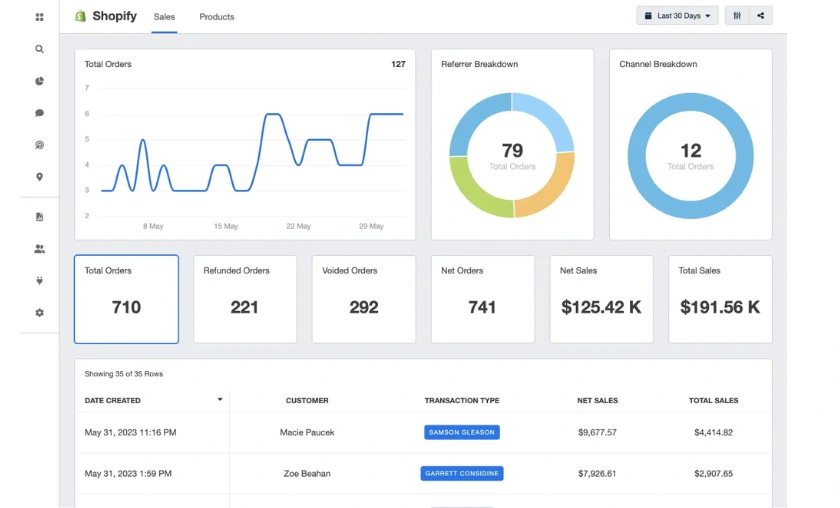
Know Your Best-Selling Products & Where Traffic Comes From
Shopify’s built-in analytics help you track your store’s performance at a glance. Use them to see which products are generating the most sales, what your top traffic sources are (Google, Instagram, etc.), and how your conversion funnel is performing. This data is essential for making smart marketing and inventory decisions.
Tools and Dashboards You Shouldn’t Ignore
Besides Shopify’s dashboard, connect your store to Google Analytics and Google Search Console for deeper insights. Use heatmap tools like Hotjar or Lucky Orange to see how users interact with your store. With the right data, you can eliminate guesswork and confidently scale what’s working.
Build Trust with Policies & Contact Pages
10 Best Shopify Tips Every Beginner Must Know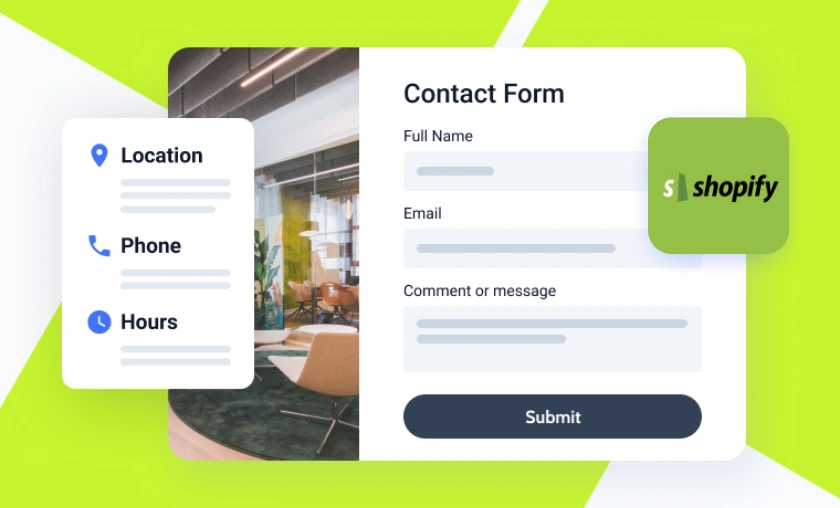
Why Transparency Builds Customer Confidence
Trust is the currency of online commerce. If your store lacks basic pages like Return Policy, Privacy Policy, or Terms & Conditions, customers may hesitate to buy. Transparency reassures visitors that you’re a legitimate and reliable business.
What to Include in Your About, FAQ & Return Pages
Your About page should tell your brand story and mission in a relatable way. The FAQ page should answer common questions about shipping, payment, sizing, or product care. For your Contact page, include a form, email, and even your business address if possible. Make your Return Policy clear and easy to understand—ideally with a 30-day guarantee to remove buying anxiety.
Start Marketing Early (Even Before Launch)
10 Best Shopify Tips Every Beginner Must Know
Shopify Review: Bonus Tip Keep Learning and Experimenting
The Shopify Community and Resources Worth Joining
Why Success Comes from Constant Testing
Conclusion
Mastering Shopify as a beginner isn’t about being perfect—it’s about starting smart. These 10 tips give you the clarity, strategy, and confidence to build a store that not only looks great but actually performs. From choosing the right plan to nailing SEO and marketing, every step matters.
Shopify gives you powerful tools, but your real strength lies in how you use them. Don’t be afraid to make mistakes, test new strategies, or pivot your approach. The most successful store owners aren’t necessarily the smartest—they’re the most consistent.
Now that you have these tips, it’s time to act. Apply them to your Shopify store today and start building a business that lasts. Got questions, tips, or stories to share? Drop a comment below—we’d love to hear from you.
FAQ’s (Frequently Asked Questions)
Absolutely. Shopify is designed to be user-friendly, even if you’ve never built a website before. With pre-made templates, simple tools, and 24/7 support, beginners can build a fully functional store without any coding skills.
You can start with Shopify’s Basic plan, which costs $39/month. In addition, you’ll need a domain (around $10–$15/year) and may choose to buy apps or themes depending on your needs. Many essential tools are free at the start.
Some beginner-friendly apps include Loox for reviews, Klaviyo for email marketing, and Shopify Inbox for chat. These apps help build trust, engage visitors, and streamline operations even if you’re just getting started.
Yes, Shopify is excellent for dropshipping. You can connect it with tools like DSers, AutoDS, or Spocket to import products, sync inventory, and automate order fulfillment—all without managing physical inventory.
There’s no fixed timeline. Some store owners make sales within days, while others may take weeks or months. Success depends on product-market fit, marketing strategy, and consistency. Focus on testing, learning, and improving constantly.
Subscribe to our list
Don't worry, we don't spam
To Read More Similar Articles, Click Here.
Thanks for Visiting Our Website. If You Appreciate Our Work, Kindly Show Us Some Support in Our Comments Section 🙂