
TechSmith is a globally recognized software company that has become a cornerstone in the world of screen recording, video editing, and visual communication. The brand is best known for creating user-friendly tools that simplify complex digital workflows, allowing individuals and organizations to record their screens, explain ideas visually, and produce professional-quality instructional content without needing advanced technical expertise. In a world where remote communication, online learning, and digital presentations have become essential, TechSmith plays a crucial role in bridging the gap between knowledge and understanding through visual storytelling.
As the demand for video-based communication continues to rise, TechSmith has positioned itself as a reliable solution for educators, corporate teams, IT professionals, and content creators. Its tools are widely used for creating tutorials, training modules, product demonstrations, and educational lessons. Instead of relying on complicated editing software, users can quickly capture their screens, annotate important points, and create structured visual explanations that improve clarity and engagement. This makes TechSmith especially valuable in environments where communication efficiency is critical.
Another important aspect of TechSmith’s identity is its commitment to usability and simplicity. While many professional editing platforms require extensive learning curves, TechSmith focuses on intuitive design that allows users to get started quickly. This balance between ease of use and professional output has helped the brand build long-term trust among millions of users worldwide, making it one of the most dependable names in screen capture technology.
TechSmith Review: A Deep Look at Simplicity, Power & Performance
TechSmith Review: Best Screen Recording Software Explained
TechSmith has built its reputation around solving one key problem—making visual communication simple yet powerful. Its tools allow users to record screens, capture system audio, add voice narration, and edit videos within a single streamlined workflow. This eliminates the need for multiple software tools, making the entire content creation process faster and more efficient. Users can focus more on storytelling and teaching rather than technical editing complexities.
One of the strongest advantages of TechSmith is its ability to support both beginners and professionals. Beginners appreciate the intuitive interface that requires no prior editing experience, while professionals benefit from advanced features like annotations, zoom effects, and precise editing controls. This dual-level usability ensures that the platform remains relevant across different industries and skill levels, from classrooms to corporate boardrooms.
Overall, TechSmith continues to stand out as a practical and reliable solution for screen-based content creation. Its tools are designed not just for recording, but for effective communication. Whether used for training, education, or business presentations, it consistently delivers clarity, efficiency, and professional results.
Why People Like TechSmith
TechSmith Review: Best Screen Recording Software Explained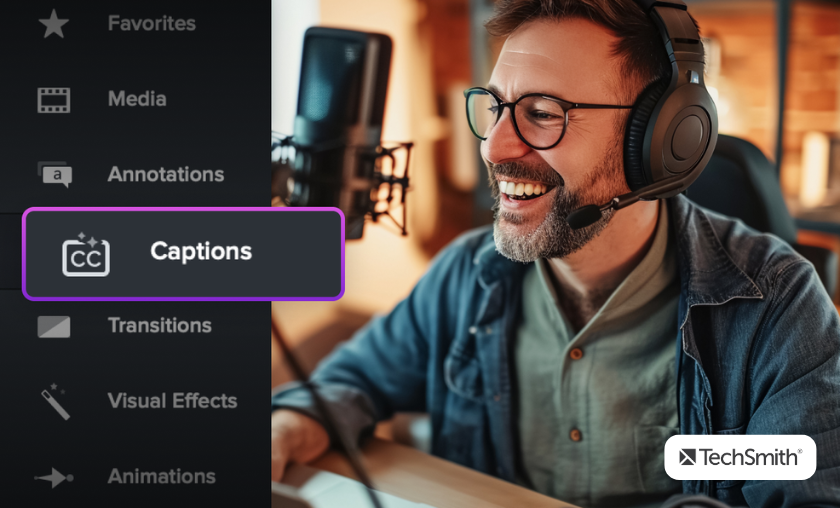
TechSmith is widely appreciated for its simple and fast screen recording process. Users can start capturing their screen within seconds without complex configurations. This ease of use makes it ideal for tutorials, lectures, and business demos where speed and clarity matter.
The software provides intuitive editing features such as trimming, highlighting, and annotations. Even users with no video editing background can create polished and professional-looking videos. This accessibility significantly lowers the barrier to entry for content creation.
TechSmith is heavily used in academic institutions and corporate training environments. Teachers and trainers rely on it to create clear instructional content that improves learning outcomes. Its visual clarity helps simplify complex topics effectively.
Despite its simplicity, TechSmith delivers high-resolution video output suitable for professional presentations. Businesses often use it for internal communication, onboarding, and product demonstrations. This balance of quality and simplicity is a major advantage.
The platform combines recording, editing, and exporting in one seamless workflow. This reduces the need to switch between multiple applications, saving users valuable time and effort during content creation.
TechSmith Complete Tools & Ecosystem Breakdown
TechSmith Review: Best Screen Recording Software Explained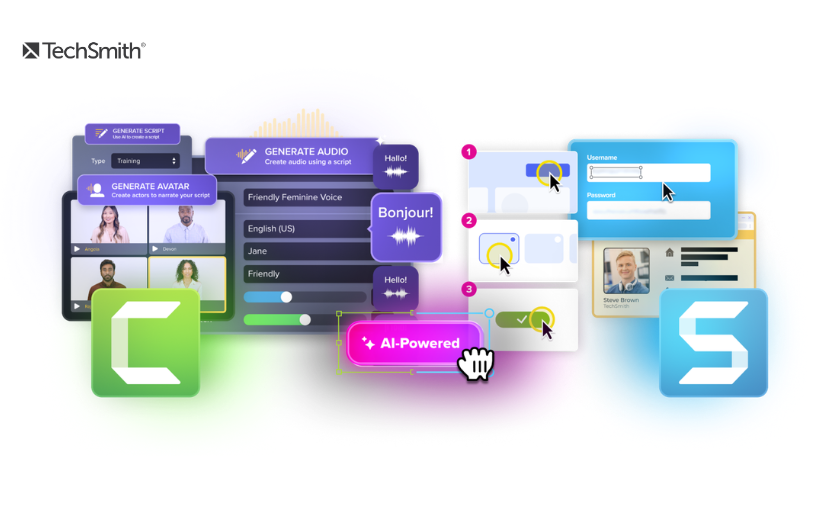
Advanced Screen Recording System
TechSmith provides highly efficient screen capture tools that allow users to record full screens, selected regions, or specific applications. This flexibility makes it ideal for various content creation needs, including tutorials and demos.
Built-In Video Editing Capabilities
Users can edit recorded videos directly within the platform. Features like cutting, trimming, and rearranging clips help create structured and engaging content without external software.
Annotation & Visual Highlight Tools
The platform includes tools to add arrows, shapes, text, and highlights to videos. These features are essential for explaining technical processes or guiding viewers step-by-step.
Audio Recording & Voiceover Integration
TechSmith supports high-quality audio recording and voice narration. This helps creators explain concepts clearly alongside visual demonstrations, improving overall communication effectiveness.
Flexible Export & Sharing Options
Users can export videos in multiple formats and share them directly across platforms or learning systems. This flexibility ensures content reaches audiences quickly and efficiently.
Reasons to Use TechSmith
TechSmith Review: Best Screen Recording Software Explained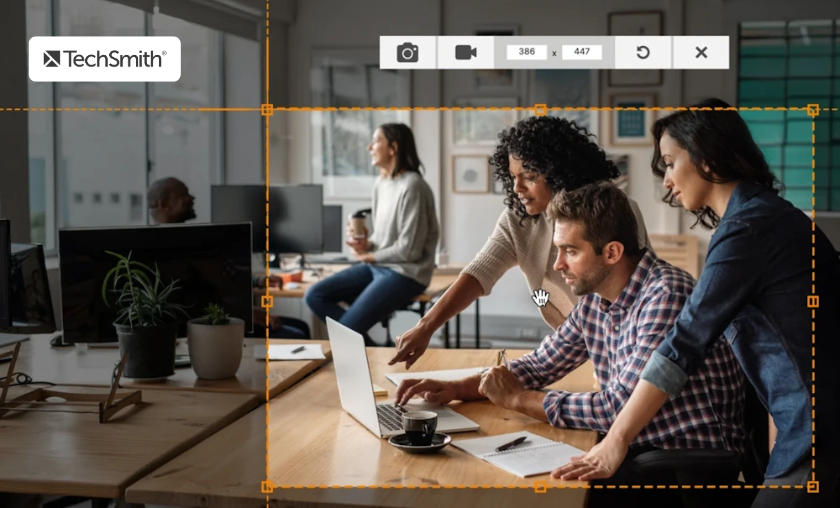
TechSmith is perfect for creating structured tutorials, training modules, and instructional videos. Its tools are designed to simplify complex explanations through visual storytelling.
The integrated workflow reduces editing and production time significantly. Users can complete recording and editing tasks faster compared to traditional video editing software.
Even users with no prior experience in video editing can create professional content. The platform’s intuitive design removes technical barriers and simplifies the learning process.
Visual explanations help audiences understand complex topics more easily. TechSmith improves clarity through annotations, zoom effects, and structured visual guidance.
From education and IT support to corporate training and marketing, the software adapts to different professional needs. This versatility increases its long-term value and usability.
TechSmith vs Modern Visual Tools
TechSmith Review: Best Screen Recording Software Explained
| Feature Area | TechSmith Focus | Conventional Alternatives |
|---|---|---|
| Ease of Use | Simple, intuitive interface | Often complex systems |
| Learning Curve | Very low | Moderate to high |
| Output Quality | Professional and clear visuals | Varies by platform |
| Workflow Speed | Fast integrated recording/editing | Multi-tool workflow |
| Primary Use Case | Education, training, tutorials | General video editing |
TechSmith remains a top choice for users who prioritize simplicity and communication clarity over overly complex editing features.
How TechSmith Works Better or Operates
TechSmith Review: Best Screen Recording Software Explained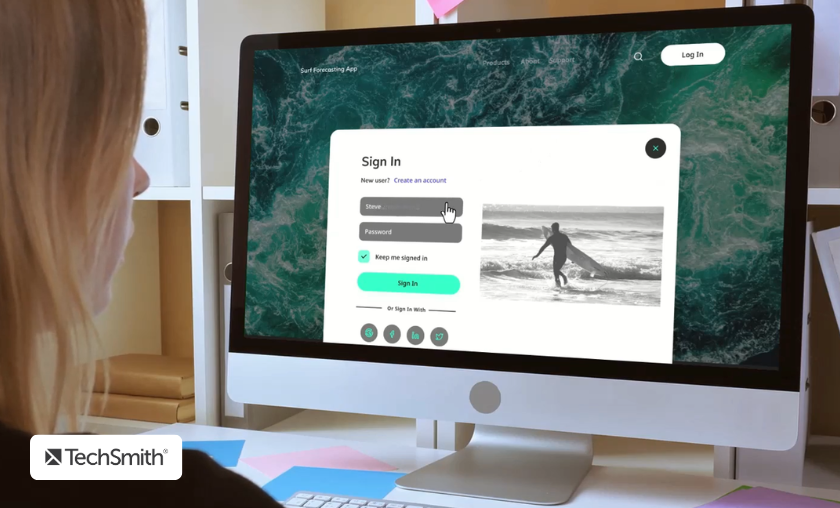
TechSmith is built around an integrated visual communication workflow designed to simplify screen capture and video production.
Shopping Tips For TechSmith
TechSmith Review: Best Screen Recording Software Explained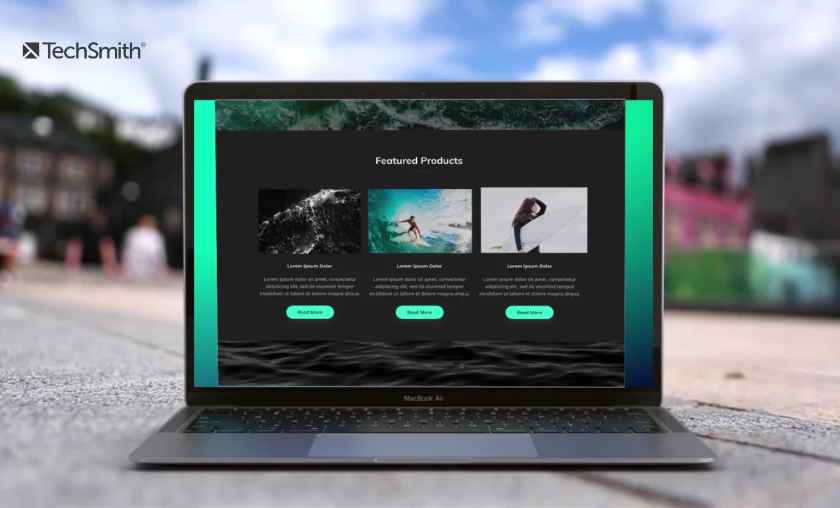
Choosing TechSmith software is straightforward due to its clear product structure and flexible usage options.
- Multiple Software Options Available: Users can choose tools based on recording or editing requirements.
- Trial Versions for Testing: Many products offer trial access before purchase decisions.
- Flexible Pricing Plans: Subscription-based and license-based options are available.
- Cross-Platform Compatibility: Works across different operating systems for convenience.
- Regular Feature Updates: Continuous improvements ensure better performance and usability.
The Story of TechSmith
TechSmith Review: Best Screen Recording Software Explained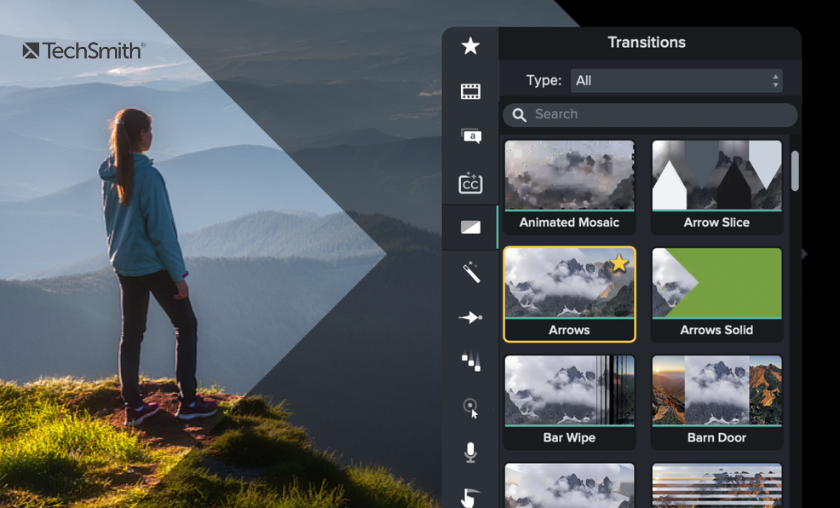
TechSmith was founded with a mission to simplify digital communication through visual tools that make complex ideas easier to understand. The company originally focused on screen capture technology, helping users demonstrate software processes and instructional content more effectively. This foundation allowed it to grow rapidly in education and enterprise environments.
As digital learning and remote work expanded globally, TechSmith evolved its product ecosystem to support a broader range of users. Its tools became essential for online education, corporate training, and technical support teams. The company continuously refined its interface and features to match the growing demand for visual communication tools that are both powerful and easy to use.
Today, TechSmith stands as a leader in screen recording and visual storytelling solutions. Its continued innovation and focus on user experience have made it a trusted name for professionals and educators worldwide.
Customer Reviews of TechSmith
TechSmith Review: Best Screen Recording Software Explained
TechSmith continues to receive strong appreciation for its simplicity, reliability, and professional-grade visual communication capabilities.
Conclusion
TechSmith stands out as a highly effective solution for screen recording and visual communication. Its strength lies in its ability to simplify complex video creation processes while still delivering professional-quality results. This makes it especially valuable for educators, businesses, and content creators who need clear and efficient communication tools.
The platform’s integrated workflow, ease of use, and consistent output quality ensure long-term reliability. As digital communication continues to grow in importance, TechSmith remains well-positioned to support users across multiple industries with practical and scalable solutions.
In conclusion, TechSmith is not just a software tool—it is a complete visual communication ecosystem designed to help users explain, teach, and present ideas with clarity, speed, and professionalism.
FAQ’s (Frequently Asked Questions)
TechSmith is mainly used for screen recording, video editing, and creating instructional or tutorial-based content. It helps users visually explain ideas in a simple and effective way.
Yes, it is highly beginner-friendly with an intuitive interface and simple editing tools. Users do not need prior video editing experience to get started.
Absolutely, many businesses and educators use it for training, presentations, and communication. It provides high-quality output suitable for professional environments.
Yes, it allows users to record voiceovers and sync them with screen recordings. This improves clarity and makes explanations more engaging.
Yes, it offers consistent performance, ease of use, and reliable output quality. This makes it a strong long-term solution for visual communication needs.
Subscribe to our list
Don't worry, we don't spam
To Read More Similar Articles, Click Here.
Thanks for Visiting Our Website. If You Appreciate Our Work, Kindly Show Us Some Support in Our Comments Section 🙂